

Did you know that over 30 million laptops are sold annually in the United States alone? With such a vast market, choosing the right laptop can be daunting.
Navigating the extensive selection of laptops at Best Buy requires a clear understanding of your needs and budget. Factors such as performance, battery life, and prices play a crucial role in making an informed decision.
From top brands like Apple, Microsoft, Dell, HP, and Asus, Best Buy offers a wide range of models with varying specifications. Understanding the differences between budget, mid-range, and premium laptops is key to finding the perfect device.
By considering reviews and comparing prices, you can make a well-informed purchase that meets your computing needs.
Table of Contents
Understanding Laptop Performance Needs
To get the most out of your laptop, it’s essential to understand what drives its performance. The right combination of components can significantly enhance your user experience.
Processor Options: Intel vs AMD
The choice between Intel and AMD processors depends on your specific needs. For most users, an Intel Core Ultra 5 U-series or AMD Ryzen 5 8000-series processor provides optimal performance. These processors handle everyday tasks efficiently, from web browsing to running multiple applications simultaneously.
Memory Requirements for Different Users
Memory requirements vary based on user needs. Casual users can suffice with 8GB of RAM, while everyday multitaskers benefit from 16GB. Power users, such as video editors or gamers, may require 32GB to ensure smooth operation.
Graphics Capabilities: Integrated vs Dedicated
Graphics capabilities are another crucial aspect. Integrated graphics are suitable for general use, such as browsing and office work. However, dedicated graphics cards are necessary for gaming, video editing, and other graphics-intensive tasks.
Understanding these components helps users make informed decisions when selecting a laptop that meets their performance needs.
Budget Considerations When Shopping at Best Buy
When shopping for laptops at Best Buy, understanding your budget is crucial to making an informed decision. The price range for laptops can vary significantly, and Best Buy caters to various budget segments.
Entry-Level Laptops ($300-$500)
Entry-level laptops are available for those on a tight budget. At this price point, you can expect compromises in performance, build quality, and display. However, some models offer better value than others. For instance, certain Chromebooks and budget Windows laptops can provide adequate performance for basic tasks like browsing and office work.
Mid-Range Options ($500-$1000)
The $500-$1000 range represents a sweet spot for many consumers. Laptops in this category typically offer balanced performance, decent build quality, and adequate battery life. They are suitable for everyday computing needs, including more demanding tasks like streaming and photo editing.
Premium Laptops ($1000+)
Premium laptops, priced above $1000, offer superior build quality, advanced features, and extended longevity. Investing in a higher-end model can be beneficial for those who require top-notch performance, such as gamers, video editors, and professionals. These laptops often come with better displays, more robust construction, and enhanced security features.
According to industry experts, A well-balanced laptop that meets everyday needs can be found for around $1,000. However, solid options exist in the $800 range, albeit with some trade-offs.
You can’t get a perfect laptop for less than $500; at this price, you make serious trade-offs in performance, display quality, and sturdiness.
Industry Expert
| Price Range | Performance | Build Quality | Display Quality |
| $300-$500 | Basic | Fair | Average |
| $500-$1000 | Balanced | Decent | Good |
| $1000+ | High-End | Superior | Excellent |
Best Buy often has seasonal sales and promotions that can help customers access higher-tier laptops at more affordable prices. It’s worth keeping an eye on these deals to get the best value for your money.
Choosing the Right Operating System
When buying a laptop, the operating system is a critical decision that impacts functionality and compatibility. The choice between Windows, macOS, and ChromeOS depends on several factors, including your existing device ecosystem, software requirements, and budget constraints.
Windows Advantages and Limitations
Windows offers wide software compatibility and gaming support, making it a popular choice among users. However, it’s also more vulnerable to malware and may experience performance inconsistencies. Despite these limitations, Windows remains a versatile option due to its hardware variety.
macOS Benefits for Apple Users
For those invested in the Apple ecosystem, macOS provides seamless integration with iPhones and iPads. It boasts an intuitive design and robust security features. While macOS offers a premium user experience, it comes with a higher price point and limited hardware options.
ChromeOS for Budget-Conscious Buyers
ChromeOS is an increasingly capable option for those on a budget. It offers speed, simplicity, and security for web-based tasks. Although it may not be suitable for specialised software needs, ChromeOS is ideal for basic tasks like browsing and email.
As noted by tech experts, sticking with the operating system you’re already most familiar with is recommended, but switching isn’t as big a deal as it used to be. With Windows and macOS converging in terms of functionality, and Chromebooks capable of handling most web-based tasks, users have more flexibility than ever. Consider your existing devices and workflow when making your decision.
Top MacBooks Available at Best Buy
Best Buy offers an impressive selection of Apple MacBooks, catering to various needs and budgets. Whether you’re looking for a sleek and portable laptop or a powerful machine for creative tasks, there’s a MacBook that’s right for you.
Apple MacBook Air (M4)

The Apple MacBook Air (M4) is a standout option, offering up to 18 hours of battery life and a lightweight design that makes it perfect for on-the-go work and travel. With its impressive performance capabilities, it’s ideal for everyday productivity and content consumption.
Apple MacBook Pro (M4/M5)

For creative professionals, the MacBook Pro models with M4 and M5 chips provide enhanced performance that’s beneficial for demanding applications like photo editing and video production. These laptops are designed to handle complex tasks with ease.
MacBook Price Comparison and Value
When comparing prices across the MacBook lineup at Best Buy, it’s clear that certain configurations offer better value based on performance needs. Current promotional pricing and educational discounts can also make these laptops more affordable. Additionally, MacBooks tend to retain their value over time, making them a smart long-term investment.
By considering your specific needs and choosing the right MacBook model, you can ensure you’re getting the best performance for your budget. Whether you’re a student, professional, or creative, there’s a MacBook that’s tailored to your requirements.
Best Buy Laptops for Students
The modern student’s academic success often hinges on having a reliable and efficient laptop. Best Buy offers a diverse range of laptops catering to different student needs, from lightweight models for campus life to high-performance machines for specialised majors.
Lightweight Options for Campus Life
Best Buy offers several lightweight laptops under 3 pounds, ideal for students on the move. Models like the Acer Swift 3 and Lenovo Idea Pad 3 boast exceptional battery life, lasting up to 12 hours on a single charge.

Budget-Friendly Student Picks
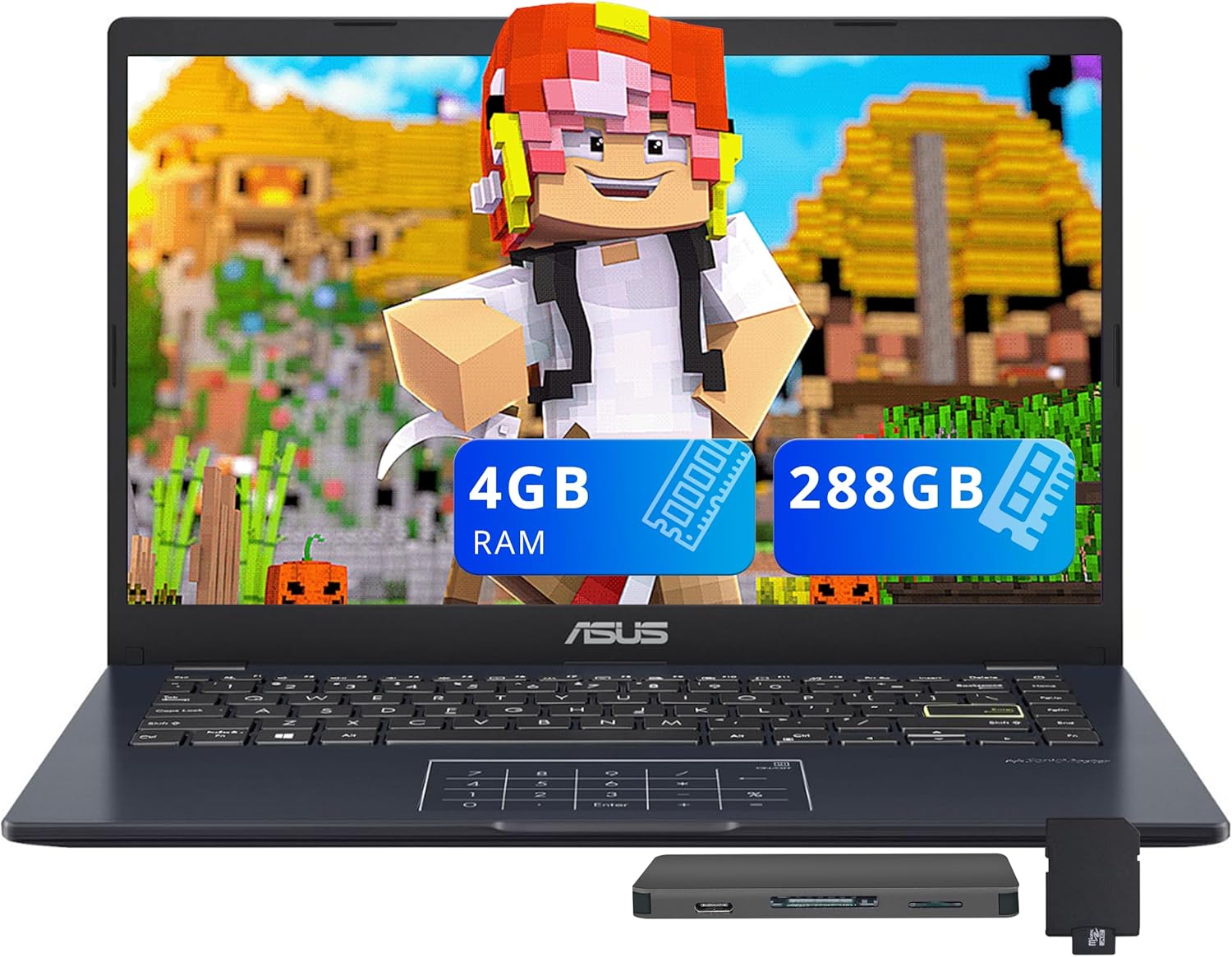
For students on a tight budget, Best Buy provides affordable laptop options without compromising on performance. The HP Pavilion x360 and Asus Vivo Book are popular choices, often discounted during back-to-school promotions.
High-Performance Laptops for Specialised Majors
Students in engineering, architecture, or digital media require high-performance laptops with dedicated graphics, ample RAM, and powerful processors. Models like the Dell XPS 15 and Microsoft Surface Laptop Studio are top picks, offering the necessary power for demanding applications.

When choosing a laptop, students should also consider durability and reparability. Best Buy’s educational discounts, trade-in programs, and protection plans can help maximise value for academic purchases.
Premium Windows Laptops at Best Buy
For those seeking top-tier Windows laptops, Best Buy offers an impressive selection of premium devices. These high-end laptops are designed to deliver exceptional performance, advanced features, and sleek designs.
Microsoft Surface Laptop

The Microsoft Surface Laptop lineup at Best Buy boasts premium build quality, an exceptional 3:2 aspect ratio display, and superior performance thanks to models equipped with Qualcomm Snapdragon X Elite processors. Recent deals, such as the Cyber Monday discount that brought the high-end configuration down to $700, make these laptops even more attractive.
Dell XPS Series
![Dell Inspiron 15 3000 3520 Business Laptop Computer[Windows 11 Pro], 15.6'' FHD Touchscreen, 11th Gen Intel Quad-Core i5-1135G7, 16GB RAM, 1TB PCIe...](https://m.media-amazon.com/images/I/71gbrvRJI-L._AC_SL1500_.jpg "Buy Best Laptops: Top Models, Reviews & Prices 7")
The Dell XPS series is a strong premium Windows alternative available at Best Buy. Known for its nearly borderless InfinityEdge display and robust carbon fibre construction, these laptops offer powerful configuration options that appeal to professionals and power users alike.
Asus Zenbook Options

Asus Zenbook options at Best Buy combine a lightweight design with premium materials and innovative features like the ScreenPad. These high-end Windows laptops offer a compelling value proposition compared to other premium devices on the market.
When comparing premium Windows laptops to MacBooks, shoppers can expect similar build quality and performance at comparable price points. However, Windows laptops often offer more configuration options and flexibility. Battery life is also a key consideration, with many premium Windows laptops offering all-day runtime and rapid charging capabilities.
Best Gaming Laptops at Best Buy
Gaming laptops at Best Buy cater to a wide range of needs, from budget-friendly options to high-end gaming rigs. Whether you’re a casual gamer or a hardcore enthusiast, there’s a laptop designed to meet your performance and budget requirements.
Alienware Gaming Laptops
Alienware gaming laptops are renowned for their premium build quality, advanced cooling systems, and high-performance components. These laptops deliver exceptional gaming experiences, although they often come at the expense of battery life and portability.

Asus ROG Gaming Series
The Asus ROG gaming series, particularly models like the Zephyrus, achieves an impressive balance between power and portability. These laptops are thin, lightweight, and powerful, making them ideal for gamers on the go.

Acer Nitro and Predator Options
Acer’s gaming lineup includes the budget-friendly Nitro series and more premium Predator options. The Nitro V, for instance, offers high-end gaming hardware at an affordable price, making it an attractive choice for cost-conscious gamers.

Budget Gaming Laptops Under $1000
For gamers on a budget, Best Buy offers several gaming laptops under $1000 that can still run modern games at reasonable settings. These laptops provide a great balance between performance and budget, making them ideal for those who don’t want to compromise on gaming experience.

When choosing a gaming laptop, it’s also crucial to consider display specifications, including refresh rates, response times, and panel technologies, as these factors significantly impact the visual experience when playing fast-paced games.
Chromebooks Available at Best Buy
Best Buy offers a wide range of Chromebooks that cater to different needs and budgets. Chromebooks are known for their simplicity, affordability, and long battery life, making them an excellent choice for users who primarily work in browser-based applications.
Premium Chromebook Options
For users seeking higher-end Chromebooks, Best Buy offers premium models with advanced features. These Chromebooks boast higher-resolution displays, faster processors, and more RAM, delivering a smoother experience. The Acer Chromebook Plus 516 is a notable example, offering impressive performance and display quality at a competitive price.

Budget Chromebooks Under $300
Budget-conscious buyers can find excellent value in Chromebooks priced under $300. Models like the Acer Chromebook Plus 516 have proven that even at lower price points, Chromebooks can offer acceptable performance and build quality. Best Buy’s selection includes various budget-friendly Chromebooks that meet the needs of casual users.
Chromebooks are also known for their long battery life, thanks to their lightweight operating system. This enables them to run longer on a single charge compared to similarly priced Windows laptops. Additionally, ChromeOS has evolved to include Android app support and Linux integration, making modern Chromebooks more versatile.
The automatic updates and robust security features of Chromebooks make them an attractive option for users who prioritise simplicity and maintenance-free operation. With these benefits, Chromebooks available at Best Buy are worth considering for both personal and professional use.
2-in-1 Convertible Laptops at Best Buy
At Best Buy, you can find a variety of 2-in-1 laptops that combine the functionality of a traditional laptop with the convenience of a tablet. These convertible laptops are designed to adapt to different usage scenarios, making them ideal for various user groups.
HP Spectre and Envy x360 Series

The HP Spectre and Envy x360 series available at Best Buy are known for their premium build quality and vibrant touchscreen displays. Their versatile hinge designs enable multiple usage modes, from traditional laptop to tablet, making them suitable for different tasks.
Lenovo Yoga and Flex Options

Lenovo’s Yoga and Flex convertible options offer a balance of performance and flexibility. When comparing these models, factors such as keyboard quality, display accuracy, and battery efficiency are crucial in identifying the best model for specific needs.
2-in-1 convertible laptops offer practical benefits for various user scenarios, including students taking notes, creative professionals sketching designs, and business users giving presentations. The weight and balance of these laptops in tablet mode vary, with some models remaining comfortable to hold for extended periods.
When choosing a 2-in-1 laptop, it’s essential to consider the compromises made at different price points in terms of performance, build quality, and battery life. This helps shoppers set appropriate expectations based on their budget.
Business Laptops for Professionals
For business users, a laptop is more than just a device; it’s a critical tool that needs to be robust, secure, and efficient. Professionals require laptops that can handle demanding tasks while providing long battery life and advanced security features.
Lenovo ThinkPad Series

The Lenovo ThinkPad series is renowned for its legendary keyboard quality, robust build standards, and enterprise-grade security features, making it a staple in corporate environments. With a range of models available at Best Buy, professionals can find the perfect laptop to suit their needs.
HP EliteBook Options
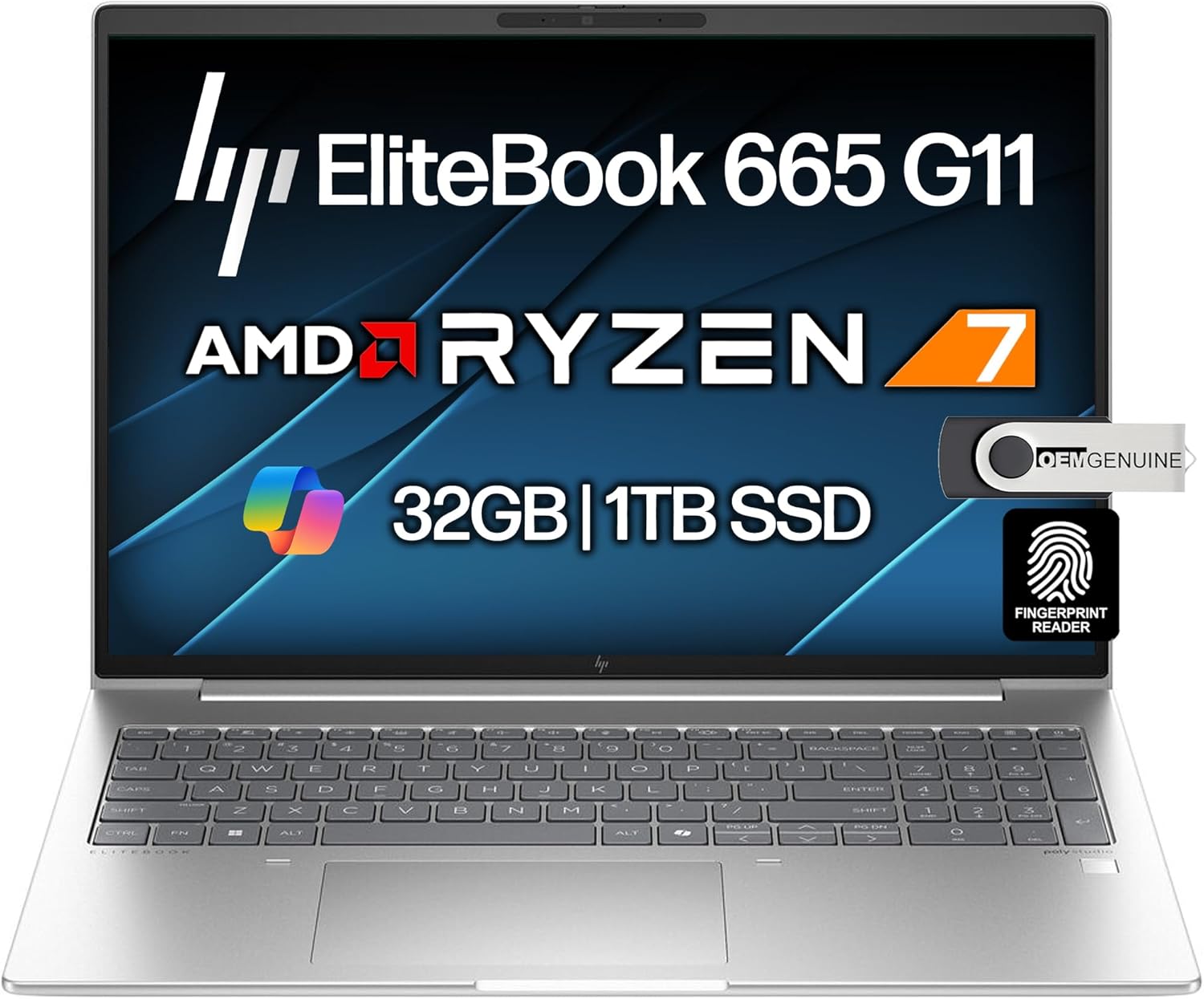
HP EliteBook laptops combine sleek designs with business-focused features like enhanced security, conferencing capabilities, and extensive battery life. These features make them ideal for professionals who need reliability throughout long workdays.
Dell Latitude Business Laptops

Dell Latitude business laptops offer scalability, a variety of ports, and remote management capabilities, making them suitable for organisations of all sizes. With robust performance and durability testing standards, these laptops are designed to meet the demands of business professionals.
Content Creation and Media Editing Laptops
The best laptops for media editing and content creation offer a blend of powerful performance and precise display technology. These laptops are designed to handle demanding tasks such as video production, photo editing, and graphic design.
Laptops for Photo and Video Editing
For professional photo and video editing, laptops need to have colour-accurate displays, powerful processors, and sufficient RAM. Best Buy offers models that can handle demanding creative applications like Adobe Premiere Pro and Photoshop. Look for laptops with dedicated graphics cards and high-resolution displays for the best results.
Options for Graphic Designers

Graphic designers benefit from laptops with precision touchscreens, stylus support, and calibrated displays. These features ensure accurate colour representation for both print and digital design work. Best Buy carries a range of laptops that cater to the specific needs of graphic designers, offering the necessary tools for creative professionals.
When choosing a laptop for content creation, it’s also important to consider the display technology. OLED and mini-LED panels offer exceptional colour accuracy and contrast, making them ideal for creative professionals. Additionally, the port selection on a laptop can significantly impact its usability, especially for media professionals who require connectivity for external drives, displays, and specialised peripherals.
Finally, finding a balance between performance and portability is crucial. Creative professionals need laptops that are powerful enough to handle their work but also portable enough for client meetings and on-location shoots. Best Buy’s selection includes laptops that strike this balance, offering both the performance and mobility required by professionals in the field.
Budget-Friendly Windows Laptops
Budget-conscious buyers can now enjoy Windows laptops without breaking the bank. When shopping for affordable laptops, it’s essential to consider the balance between price and performance.
HP Pavilion Series

The HP Pavilion series offers solid everyday performance and acceptable build quality at budget-friendly price points under $700. These Windows laptops are ideal for general use, providing a reliable battery life.
Acer Aspire Options
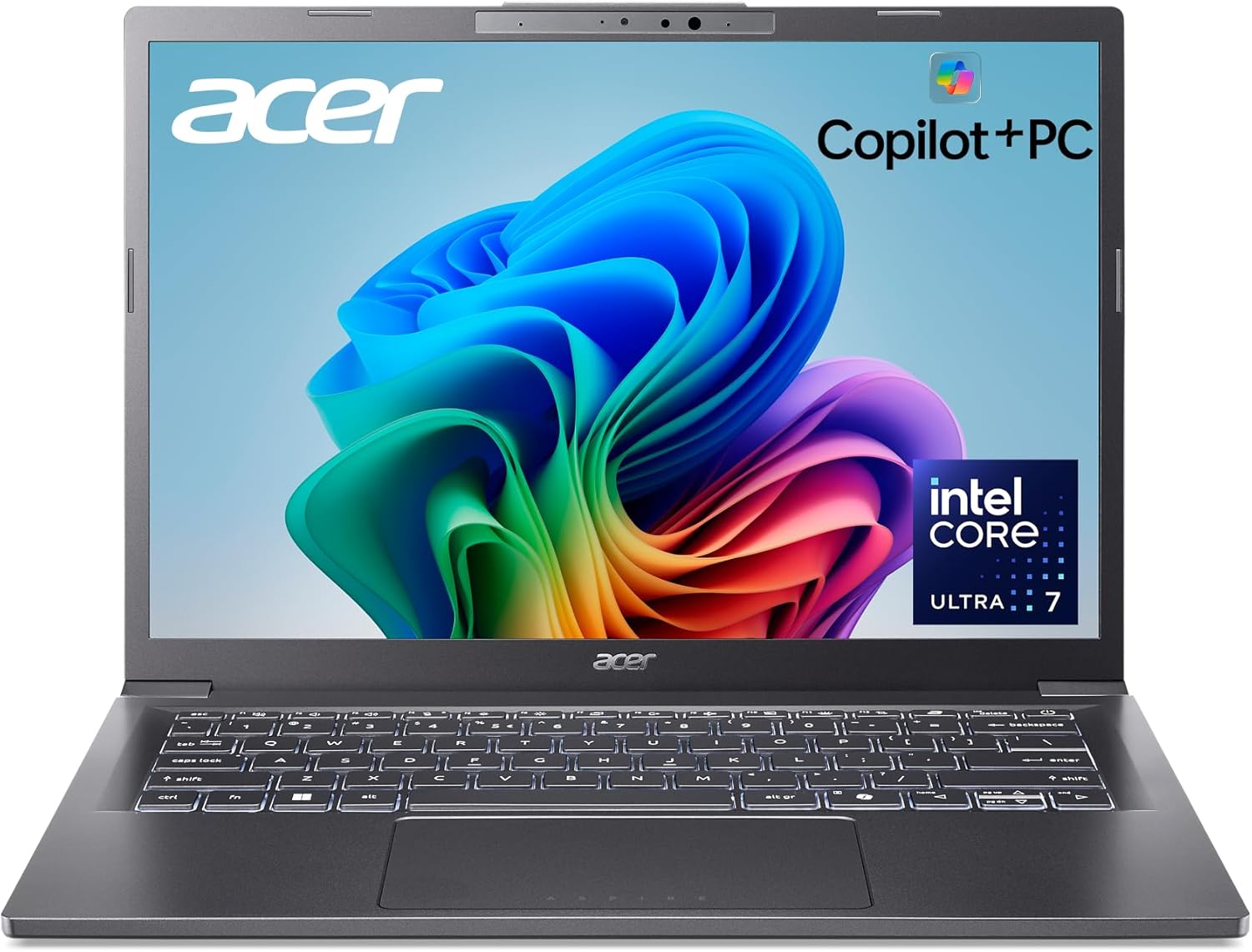
Acer Aspire laptops typically offer more performance per dollar than competitors. With various configurations available, shoppers can find the best value for their budget. These Windows laptops are great for those seeking affordability without compromising on key features.
Lenovo IdeaPad Series

Lenovo’s IdeaPad series is another affordable Windows alternative, offering good keyboard quality, decent display characteristics, and efficient battery life. When comparing these laptops, consider factors like display quality and build materials to make an informed decision.
When choosing a budget-friendly Windows laptop, it’s crucial to set realistic expectations. Common compromises include display quality, build materials, and battery capacity. By understanding these trade-offs, shoppers can identify which laptops offer the fewest compromises in areas that matter most.
Laptop Deals and Discounts at Best Buy
With Cyber Monday wrapping up, Best Buy is still offering fantastic deals on various laptops
Seasonal Sales and Events
Best Buy’s seasonal sales patterns show that major events like Back to School, Black Friday, and Cyber Monday offer the lowest prices on laptops. During these events, shoppers can expect significant discounts on various models.
| Event | Typical Discount |
| Back to School | 10%-20% |
| Black Friday | 20%-30% |
| Cyber Monday | 20%-30% |
Best Buy Membership Benefits
The My Best Buy membership program offers exclusive benefits, including early access to sales and additional discount opportunities. Members can enjoy extended return windows, making it a great option for laptop shoppers.
By understanding these benefits and sales patterns, shoppers can make informed decisions to get the lowest price on their desired laptop.
Essential Laptop Accessories at Best Buy
When purchasing a laptop from Best Buy, it’s essential to consider the right accessories to enhance its functionality and protection. Best Buy offers a variety of accessories that can improve your laptop experience.
Protective Cases and Sleeves
Protect your laptop with durable cases and sleeves available at Best Buy. These accessories offer various levels of impact protection and water resistance.

External Monitors and Docks
Expand your laptop’s workspace with external monitors and docks from Best Buy. Many models feature USB-C connectivity for both display and charging.

Keyboards, Mice, and Other Peripherals
Improve your typing and navigation experience with external keyboards and mice from Best Buy. These peripherals enhance ergonomics and productivity.

Understanding Best Buy Laptop Warranty Options
When purchasing a laptop from Best Buy, understanding the available warranty options is crucial for protecting your investment. This knowledge can help you make an informed decision and potentially save time and money in the long run.
Standard Manufacturer Warranties
Most laptops sold at Best Buy come with a standard manufacturer’s warranty. These warranties typically cover repairs and replacements for parts and labour due to manufacturing defects for a certain period, usually one to three years. The specific terms can vary between brands and product tiers. Common exclusions include damage caused by accidents, misuse, or external factors.
Geek Squad Protection Plans
Best Buy offers additional protection through its Geek Squad Protection Plans. These plans extend beyond the standard manufacturer’s warranty, covering incidents such as accidental damage, power surges, and other unforeseen events. The coverage levels vary, allowing customers to choose the plan that best fits their needs and budget. When considering a Geek Squad Protection Plan, it’s essential to weigh the cost against the value of the laptop and your personal risk tolerance.
Understanding the service process for warranty claims is also vital. Best Buy’s service centres provide in-store diagnostics, and the repair timeframes can vary depending on the issue and the availability of replacement parts. In cases where repairs are not possible, Best Buy may offer replacement options.
Making Your Final Laptop Selection
Making an informed laptop purchase decision involves evaluating performance needs, budget constraints, and usage patterns. When shopping at Best Buy, consider visiting stores to assess keyboard feel, screen quality, and build impressions through hands-on testing.
Prioritising specifications based on individual needs is crucial. Determine whether to allocate your budget toward a better processor, more RAM, larger storage, or a superior display. Balancing immediate needs with future-proofing is also vital; identify which components are worth investing in for a longer laptop lifespan.
To ensure a smooth purchase, consider warranty options, return policies, and available support. Here’s a quick checklist: – Performance meets your needs – Battery life aligns with your usage-Price fits within your budget – Warranty and support options are understood
By following this framework, you can confidently select the best laptop for your needs and budget, ensuring a satisfying purchase experience at Best Buy over time.
You Might Also Enjoy: How to Clean a Computer Monitor: A Step-by-Step Guide